Uncategorized

Triva Presentation Creator

From Word Doc to Game Night in Seconds

Every week before trivia night, the same ritual: copy questions out of a Word doc, paste them one by one into PowerPoint, fiddle with fonts, forget to update the date. It works — but it takes an hour you don’t have. For those of you with regulars who are hard of hearing having a slide deck is a must.

So I built a tool to fix that.
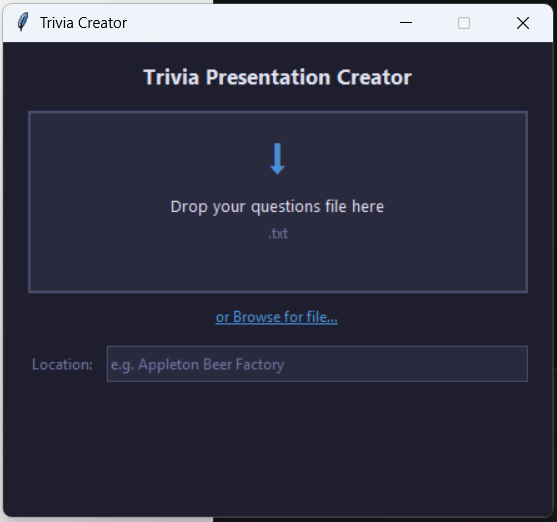
Trivia Presentation Creator [Download Here] takes a plain-text questions file and turns it into a fully-formatted PowerPoint in seconds. No manual formatting. No copy-paste. Just drop the file in and go.


How it works

The questions file is plain text file. Simply copy the question rows from the weekly triva doc we use and paste it into a .txt file (this removes all the microsoft formatting garbage). You should have numbers before each regular question. DO NOT SELECT THE ANSWERS WHEN COPYING, QUESTIONS ONLY.

The zip contains an example queesitons.txt file. You can see the quesiton number, the category and the question are listed plus some of my reminder rows for audio bonuses and announcing current scores. If you’re pasted version is missing some of these elements it may not work. If oyu are having trouble feel free to send me your question file via email and I’ll trry and debug it and release a new version of the tool.

The parser handles the quirks you’d expect from real-world trivia files: multi-line questions, special rounds like FINAL and TIE-BREAKER, audio bonus reminder slides, and lines that just need to be ignored.

Once parsed, python-pptx does the heavy lifting — generating a title slide with your logo and tonight’s date, then a slide per question with consistent styling, colors, and layout.

The whole thing is about 500 lines of Python across four files.


The GUI

The CLI works great for a power nerd like me, but not everyone is a developer. So I wrapped it in a small tkinter drag-and-drop window. Drop the .txt file onto the app, optionally type the venue name, and it spins for a few seconds before dropping a trivia-2026-06-03.pptx right next to the executable.

PyInstaller bundles the whole thing — Python runtime, dependencies, everything — into a single 36MB .exe. No install required. No viruses, promise ;).


Stack

  • Python 3.12
  • python-pptx — slide generation
  • tkinterdnd2 — drag-and-drop support
  • PyInstaller — single-file executable packaging

My first NomadNet Node

I created my first Reticulum NomadNet Node this last week and I’ve decided to use it to bulid something fun. I’ve always been a sucker for old school RPGs (like Final Fantasy) so thats where I’m going to start.

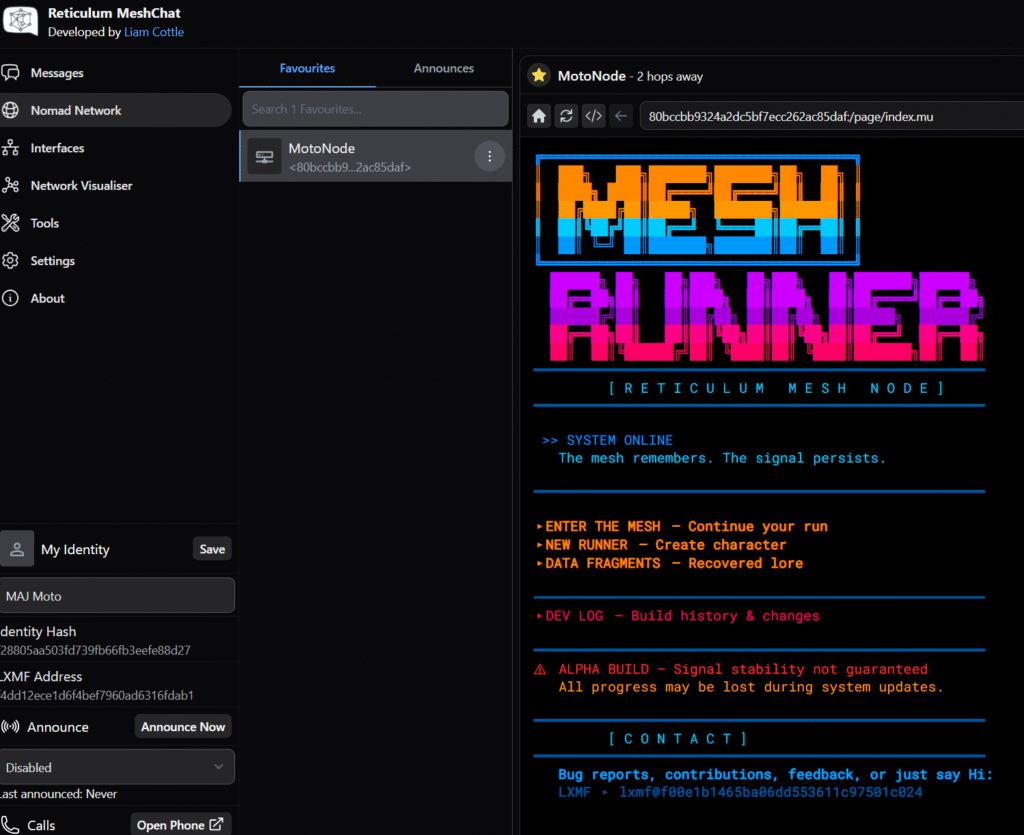
You can play the game now by going to my mesh node: 80bccbb9324a2dc5bf7ecc262ac85daf:/page/index.mu
Using NomadNet, MeshChat, MeshChatX, or rBrowse… basically any NomadNet browser will work.

Right now the game is full text based but I’ve got plans to push this further with a full map/movement system.

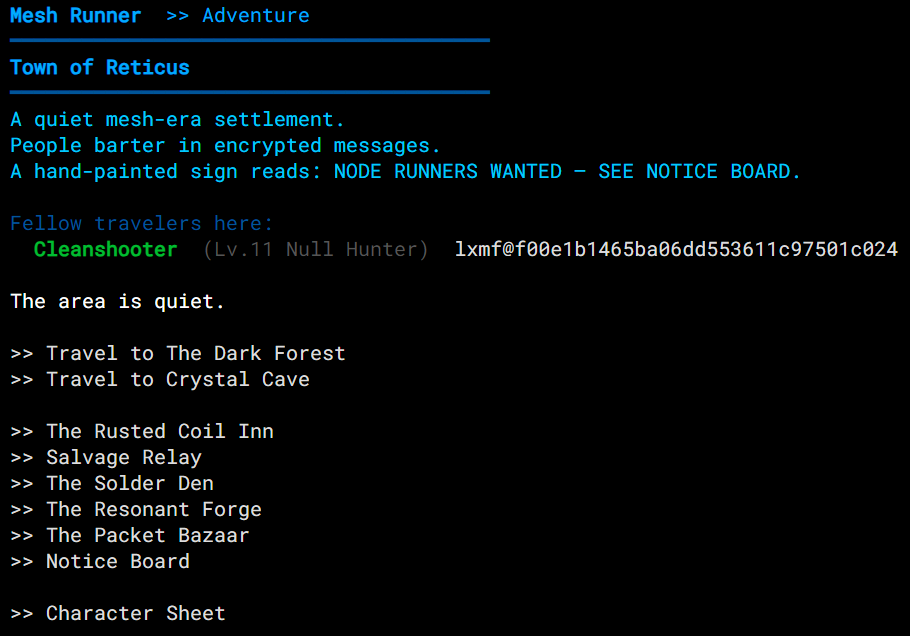
Town is fairly well developed. We’ve got an inn (The Rusted Coil) and a way to sell enemy drops (Salvage Relay). Instead of a gold/shop system there’s a crafting system where you can craft both items and equipment from drops. The item crafiting is unlock and experiment based, so get ready to read some lore. There’s also an player market where you can sell items and your old gear to other players.

MMOish…

While I wouldn’t call this an MMO, you can interact with other players in a limited way. If you’re in the same place aas other players you’ll see them and their LXMF address so you can use Reticulums built in chat/voice system to talk to them. It’s up to the player to expose the address so if you don’t want to talk to people just don’t share your address during player creation. You can also buy/sell gear at the bazaar giving the game an MMO style economy (which I’m sure will break at some point).

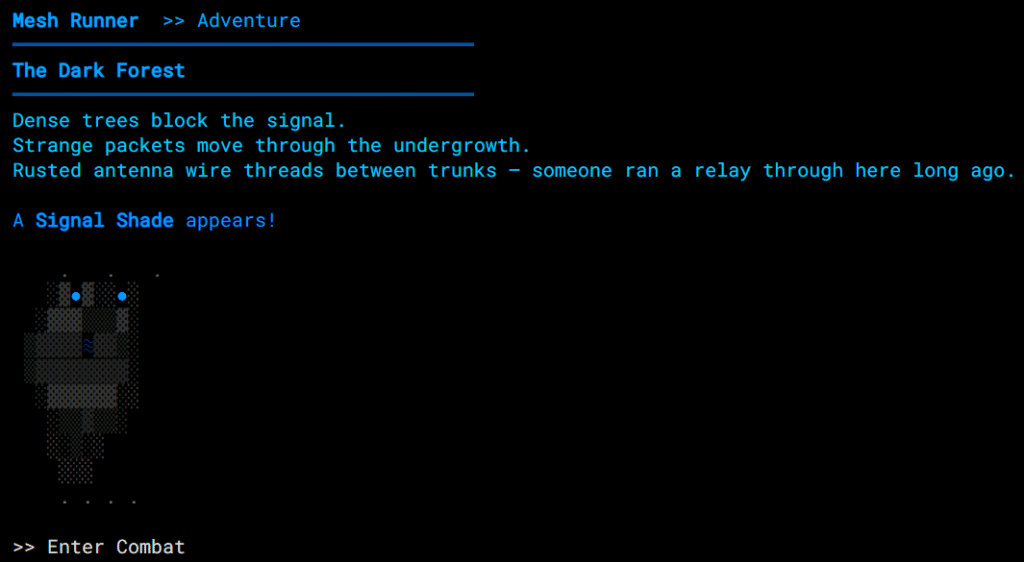
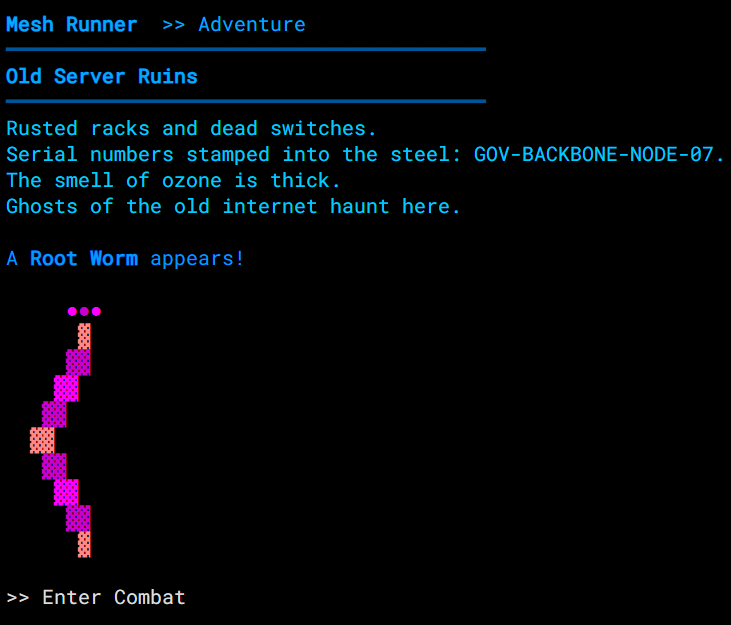
Enemies

Right now I’m working on getting some LoRa hardware so I can start trying to play this on my phone. I’m in talks with the guy who is working on Columba and he may add NomadNet to his mobile app (I may even contribute to the project myself) which is one of my net goals.

I’m also considering a quest system… but I kind of want to do that after the map system to be honest.

There’s still so much I want to build… mini games (hacking related of course), player contriubtion projects to expand the game (like teleport crystals that players actually have to help build before they work).

I also want to setup a system so players can build their own towns… think like “The Land: Chaos Seeds” or Fallout 4. I love me a city builder game and I’ve always wanted to play/build a RPG + City Builder combination. (Wow this is an ambitious project…. lol.) Some MMOs have this but I’ve never found one I like…. like FFXIV you could get a clan house… but they always felt so… limited (and expensive and SUPER GRINDY). What if instead of grinding rare loot to build the airship that isn’t really that cool, you could use common loot and do LOTS of things. Like No Man’s Sky but the towns and players are easier to find. I want to build a world that players can help shape in dramatic ways.

And I want to do it in ASCII.

This is all about happiness, building this has laready brought me joy and as long as it continues to do so I’ll keep building more.

TNMT Arcade 1-Up Cabinet RetroPie/EmulationStation Mod

I was going to post a video but I finished the project so long ago that posted it. The main goal of the mods to the image was to prioritize 4-player games since the it’s dedicated to a 4 play Teenage Mutant Ninja Turtles Arcade 1-Up cabinet.

This image is based on the Wolfanoz 128GB RasPi3BPlus 4.4.8 image (its the most recent I could find). Here the changes I’ve made:

4.4.9

  • Fixed the “out of space” issue by deleting some games. This issue prevents controllers from working consistently.
  • Turned off bezels (overlays) in the RetroArch options since I’m still using the original Arcade 1-up monitor.
  • Added theme from 90’s TNMT cartoon for the intro splash screen.
  • Created a temp list of 4-play games (need to create a custom main list icon for it yet…) (update 2-19-2021 downloaded a nice list of 4-player/multiplayer games from here: https://retropie.org.uk/forum/topic/4336/list-of-retro-games-for-4-players/4 – planning to use it to update my main multiplayer list in the image)

4.4.10

Notes:

Though fruitbox (RetroPie Jukebox) is installed it is not the background music player. Keep this in mind if you want to update the background music playlist.

When you wire the joysticks and buttons to the controller circuit board make sure they are all wired the same. While EmulationStation supports multiple controllers that are the same (e.g. “Generic USB Gaming Device” or “DragonRise Inc Generic USB joystick”) RetroArch does not. If you have different button layouts it will get messed up in game and once you exit game. RetroArch is the Frontend for the Libretro API and makes a up a large portion of the emulators included in RetroPie so if each controller has a different wiring configuration on the board or one of your joysticks is upside down your controllers won’t work properly.